Blog Post
How to Keep Track of Equipment Maintenance
A step-by-step guide to equipment maintenance tracking, from organizing assets to using software for audits and predictive planning.


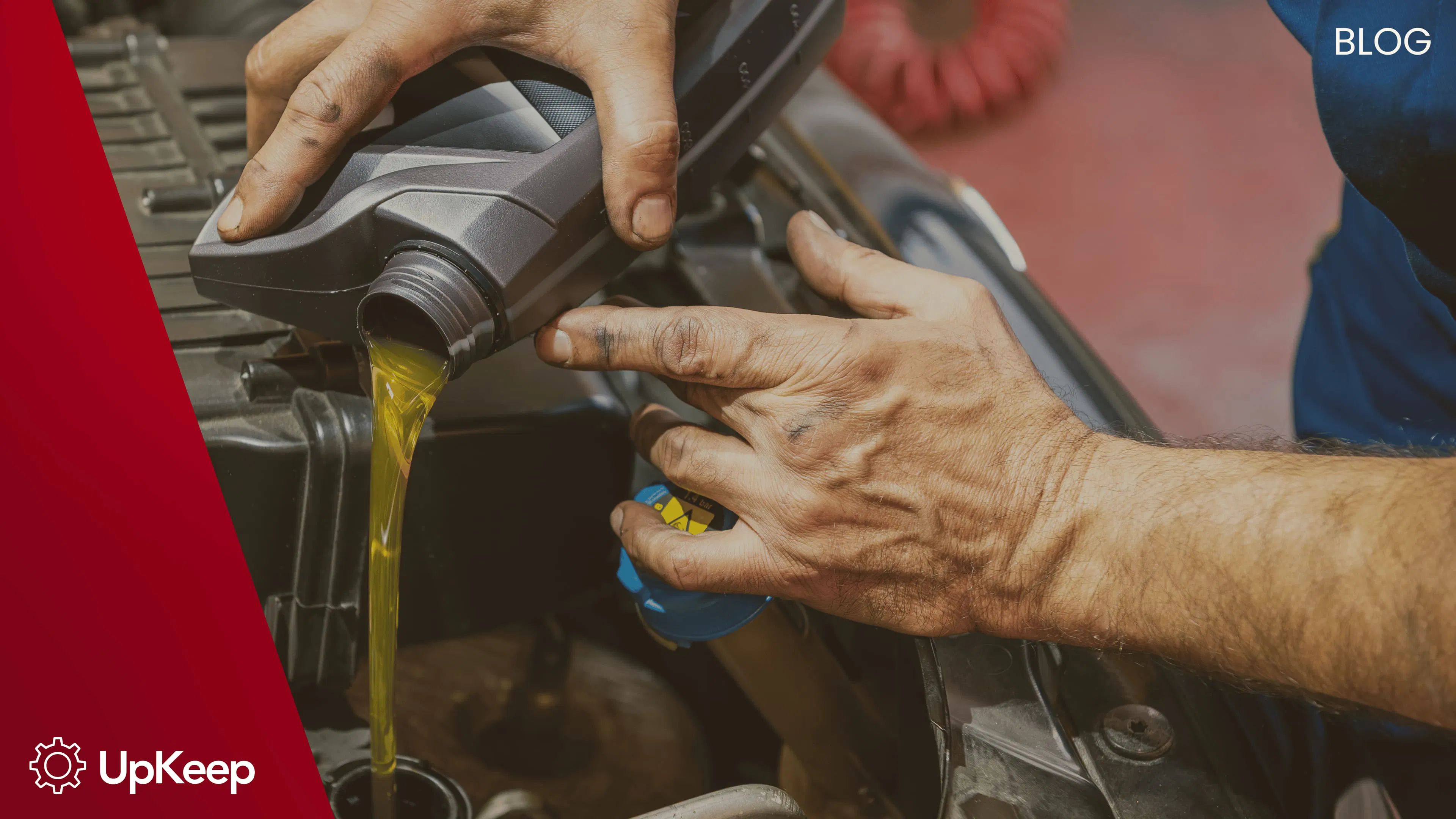
Modern businesses depend on equipment that runs safely and efficiently. Processing Magazine notes that strong maintenance programs improve safety and compliance, while McKinsey reports that prioritizing preventative maintenance (PM) leads to better cost control and reliability. These insights show why tracking maintenance is key to long-term success.
What Is Equipment Maintenance Tracking?
Equipment maintenance tracking means recording every maintenance task performed on your assets. When you document inspections, repairs, and preventive tasks, you build a complete history of each machine’s condition. Accurate logs help teams plan ahead, stop unexpected breakdowns, and control costs.
Equipment Maintenance Software vs. Traditional Methods
Traditional methods, like paper logs or spreadsheets, are simple but often lead to human error. Even small mistakes—like a lost file or a typo—can hurt efficiency and compliance.
Digital software solves these problems. It automates data collection and gives you real-time insights. This helps with scheduling, reporting, and passing audits, adding real value to your operation over time.
Software vs. Traditional Methods Comparison
Aspect | Equipment Maintenance Software | Paper Records | Spreadsheets |
Data Accuracy | High accuracy; collects data automatically | Prone to human errors and messy handwriting | Easy to make input errors or mix up file versions |
Real-Time Visibility | Updates instantly; tracks work orders live | No real-time updates; data is old by the time you see it | Only updates when someone types it in; no live collaboration |
Scheduling & Alerts | Schedules tasks and sends alerts automatically | Manual scheduling; easy to miss tasks | Basic scheduling; no automatic reminders |
Compliance & Reporting | Easy compliance with organized, digital records | Hard to keep records consistent for audits | Creating reports is manual and slow |
Accessibility | Access anywhere via web or mobile apps | You must be physically present to see the logs | Requires file sharing; version control is difficult |
Scalability | Easily grows with you across multiple sites | Gets messy and difficult as you grow | Hard to manage large amounts of data |
Efficiency | Smooths out workflows and cuts downtime | Manual processes take a lot of time | Better than paper, but still relies on manual entry |
The Business Case for Digital Tracking & CMMS
To truly modernize, many organizations move to a Computerized Maintenance Management System (CMMS). A CMMS is a central platform that brings all maintenance tasks into one tool.
Instead of keeping work orders in a binder, inventory lists in a spreadsheet, and PM schedules on a whiteboard, a CMMS puts everything in one place. It combines work orders, preventive maintenance (PM), inventory, and history logs into a single system.
As Dataconomy highlights, digital platforms bring workflows together and make audit compliance simple. By swapping spreadsheets for real-time systems, you gain speed and control over your maintenance.
Key business advantages of a CMMS include:
Better efficiency: Automated scheduling ensures repairs happen on time, reducing downtime.
Centralized data: All asset, service, and compliance records live in one easy-to-access system.
Real-time visibility: Dashboards show current asset status, helping you make quick, data-backed decisions.
Regulatory readiness: organized digital logs make OSHA, EPA, and industry audits much faster.
Predictive planning: Analytics spot trends and predict failures before they stop production.
Productivity: Mobile tools let technicians see work orders and asset data instantly while in the field.
How to Keep Track of Equipment Maintenance
Tracking maintenance requires clear steps to ensure your data is useful. Before you start, you need to decide on your method.
Step 1: Choose Your Tracking Tool
First, decide where your data will live. This choice determines how quickly your team can access information in the field.
Digital: Using a mobile-first CMMS allows technicians to record data at the point of repair. For instance, a worker can attach a photo or voice note to a work order to document a specific mechanical issue.
Manual: Using paper logs or binders requires a central "filing station." In this case, a technician must manually record notes on a clipboard and then file them in a physical cabinet at the end of the shift.
Step 2: Organize Equipment Inventory
Every asset needs a unique identity so records don't get mixed up.
Digital: You can assign QR codes or barcodes to each machine. Scanning the code with a tablet instantly pulls up the asset's specific manual, warranty info, and past repair history.
Manual: You can stencil ID numbers onto equipment that correspond to labeled dividers in a master maintenance binder, ensuring every machine has a dedicated "paper home."
Step 3: Assign Responsibilities
Clear ownership ensures the data stays accurate and logs don't go missing.
Digital: Software can automatically route work orders to the specific technician or team lead responsible for that asset, sending a notification to their device so the task isn't overlooked.
Manual: A physical "Work-to-Do" whiteboard in the maintenance shop can be used to write down names next to specific machines or tasks for the week.
Step 4: Regular Review of Logs
Check your data often to spot trends and identify "bad actor" machines.
Digital: Use automated reporting dashboards to instantly see which equipment has the highest downtime or cost. This helps you decide whether to keep repairing a machine or replace it.
Manual: A manager must manually audit logbooks at the end of each month, tallying up repair hours and parts used to estimate the total cost of ownership.
Step 5: Integrate with Workflows
Connect your tracking with scheduling to extend the life of your assets.
Digital: You can set up logic-based triggers. For example, if a daily safety inspection log is marked "Fail," the system can automatically generate a high-priority repair request for the maintenance team.
Manual: Hold a weekly scheduling meeting where the team reviews the paper logs from the previous week and manually updates the master calendar for upcoming preventive tasks.
5 Free Traditional Equipment Maintenance Log Templates
While a CMMS is the strongest solution, every budget is different.
Getting Started with UpKeep:
If you want to try digital tracking, UpKeep CMMS offers a free trial so you can start immediately. If you decide to stay, plans start as low as $20/month, which is a huge upgrade over paper for a low cost.
If you aren't ready for software yet, traditional logs are still useful. Here are five free templates you can use:
Daily Equipment Inspection Logs: Used to record routine daily checks, ensuring equipment is operational and meets safety standards.
Preventive Maintenance Schedule Logs: Helps organize scheduled maintenance tasks to avoid unexpected breakdowns and extend equipment life.
Equipment Repair Record Logs: Tracks equipment failures, repairs performed, and corrective actions taken to maintain operational efficiency.
Service History Logs: Documents the full history of maintenance and service events for each piece of equipment, useful for trend analysis.
Equipment Usage Logs: Records hours of operation or cycles, assisting in planning maintenance based on actual equipment usage rather than just time intervals.
FAQs About Equipment Maintenance Tracking
Why track equipment breakdowns?
Tracking breakdowns helps you spot patterns. This helps you find the root cause of issues, improving reliability and safety.
How to create an equipment maintenance log?
Logs should include the asset name, what maintenance was done, the date, who did it, and notes on the asset's condition.
What is a maintenance backlog?
A backlog is a list of pending tasks. It helps you prioritize your work and assign resources to the most critical jobs.
How to create a detailed maintenance plan?
A plan should define preventive and repair tasks, a schedule, who is responsible, and any compliance rules.
What is a preventive equipment maintenance log?
This log schedules regular tasks to prevent failures. It also provides a detailed paper trail for regulations and audits.
4,000+ COMPANIES RELY ON ASSET OPERATIONS MANAGEMENT
Leading the Way to a Better Future for Maintenance and Reliability
Your asset and equipment data doesn't belong in a silo. UpKeep makes it simple to see where everything stands, all in one place. That means less guesswork and more time to focus on what matters.






![[Review Badge] Gartner Peer Insights (Dark)](https://www.datocms-assets.com/38028/1673900494-gartner-logo-dark.png?auto=compress&fm=webp&w=336)



