
WORK ORDER MANAGEMENT
Streamline Every Work Order from Request to Resolution
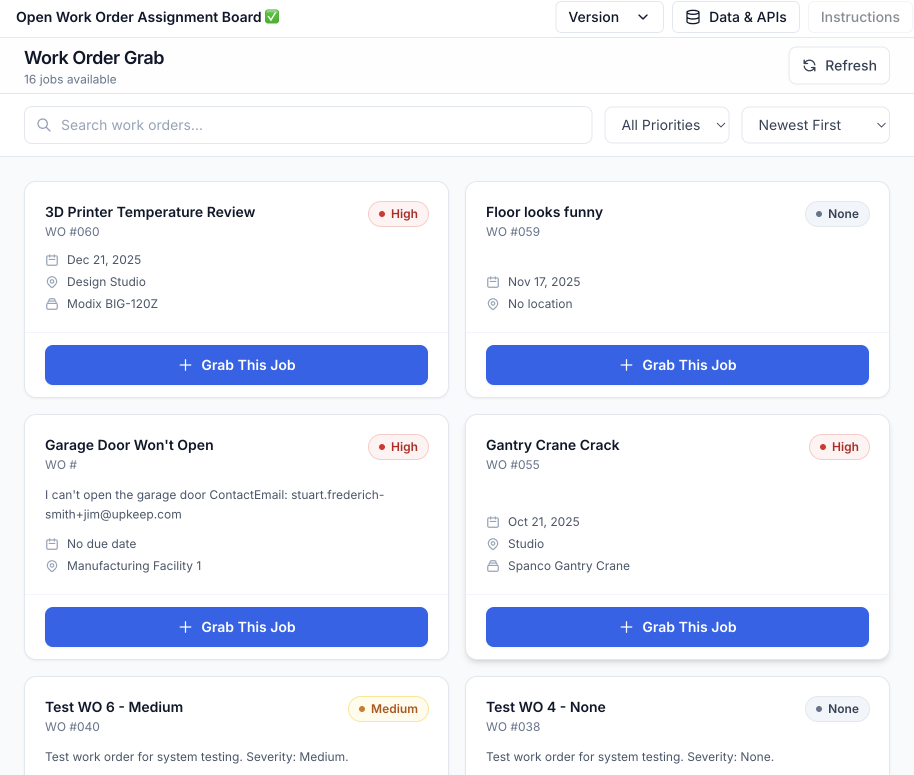
Create, assign, prioritize, and track work orders in real time with UpKeep's mobile-first platform. Technicians get instant push notifications, no more lost tickets or delayed responses.






WHY UPKEEP WORK ORDERS
From Request to Done, Without the Chase
Mobile-First Work Orders That Move at Your Speed
Create, assign, and complete work orders from anywhere. The moment a job is assigned, the technician's phone buzzes with everything they need: asset history, checklist, parts, and photos. Lost tickets and radio chases stop being how work gets dispatched.
Create WO
Auto-Assign
Completed
Automated Routing & Prioritization
Work orders route themselves to the right technician based on skill set, location, and availability. Critical jobs jump the queue; routine ones wait their turn.
Complete Audit Trails
Every action on every work order is logged automatically: who did what, when, and how long it took. When the auditor asks, the documentation already exists.
Real-Time Request Portal
Anyone in your organization can submit a maintenance request, and requester seats are free and unlimited. Requests convert to work orders instantly, with status updates flowing back to whoever reported the problem.
CAPABILITIES
Complete Work Order Management
Work Order Creation
Create detailed work orders in seconds with custom fields, checklists, priority levels, and asset associations. Use templates for recurring job types.
Auto-Assignment
Route work orders to the right technician based on skill, location, and current workload. The dispatch bottleneck disappears.
Mobile Close-Out
Technicians finish the job at the job: log labor time, add notes, attach before-and-after photos, and capture signatures without returning to a desk.
Request Portal
Anyone in the organization can submit a maintenance request from a link or QR code. Requester seats are free and unlimited on every plan.
Recurring Work Orders
Schedule repeating work orders by time or meter triggers. Preventive maintenance runs itself instead of living in someone’s memory.
Attachments & Photos
Attach photos, PDFs, manuals, and documents directly to work orders. Before-and-after images become the QA and compliance record.
START SMALL, SCALE UP
Work Order Software for Small Business Teams
You don't need an ERP project to stop losing work orders. A two-person maintenance team gets the same mobile app, request portal, and Nova AI as a fifty-site enterprise. Start with one site and one technician, and the platform grows with you instead of boxing you in.
- $24 per user per month to start, with transparent tier pricing
- Free unlimited requester seats, so the whole crew can report issues
- <30 days to go live for most single-site teams, no IT project required
FROM THE FIELD
What Our Customers Say
Customer story · McDonald's
Fryers, HVAC, ice machines, play places: a McDonald's restaurant is a building full of equipment that can't wait until Monday. See how McDonald's uses UpKeep to keep every restaurant running, from the first work request to the closed-out repair.
Read their story →
"UpKeep is made by maintenance people, for maintenance people. It's just so user-friendly."
"My work-life balance is a lot better now. I just dump a bunch of stuff into Nova, ask Nova for help, and it has changed everything."
"UpKeep met our teams where they are, in the field."
WORK ORDER SOFTWARE FOR EVERY ROLE
One Work Order, Three Points of View
The manager dispatching it, the technician closing it, and the operator who reported the problem each see a different slice of the same work order. Nobody waits on anybody for an update.
For Maintenance Managers
See every open work order across all facilities in real time. Prioritize critical jobs, balance technician workloads, and track completion metrics from a single dashboard.
Maintenance teams →For Technicians
A push notification lands the moment a job is assigned, with asset history and checklists attached. Photos, labor time, and close-out all happen on the phone, even offline.
Maintenance teams →For Requesters
Report a problem in seconds from a link or QR code, no training and no license required. Status updates arrive automatically, so "any word on that leak?" stops being a hallway conversation.
Maintenance teams →CUSTOMER STORIES
Teams running their work through UpKeep

Put QR codes across the property so any member of staff could report a problem on the spot.
TPC San Antonio
Read the story →
Moved campus crews off paper and onto digital preventive maintenance and work orders.
Caltech
Read the story →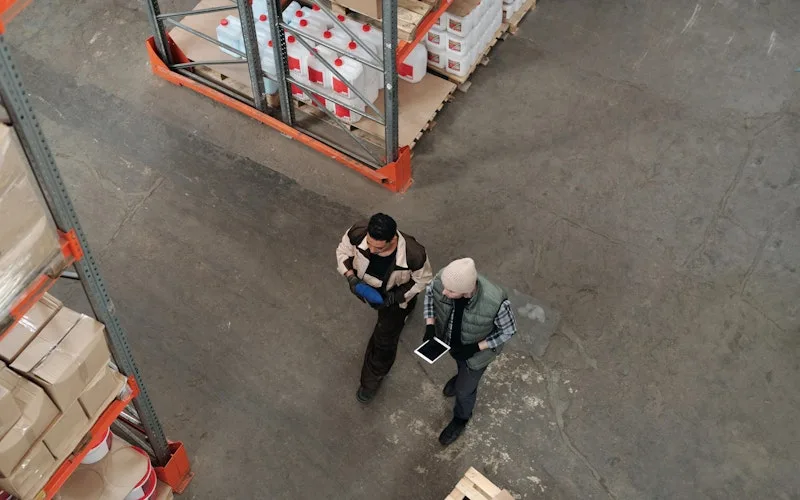
Standardized work orders and asset records across a multi-product distribution operation.
Distribution company
Read the story →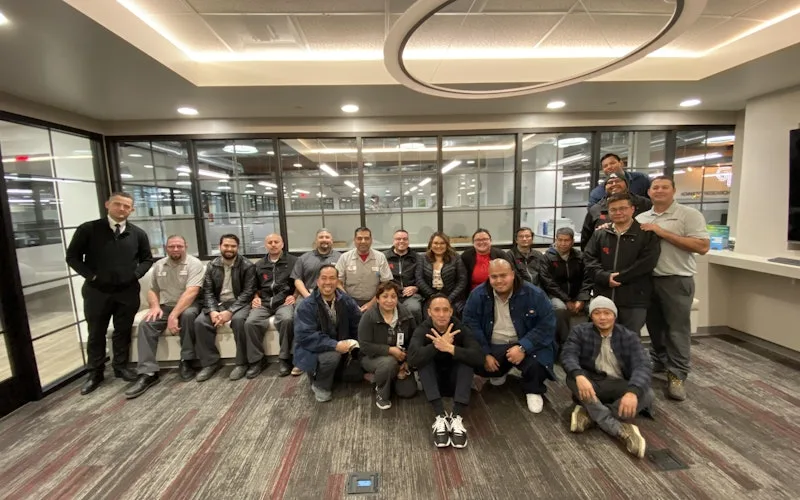
Standardized maintenance across one of the largest custom restorative labs in the world.
Glidewell
Read the story →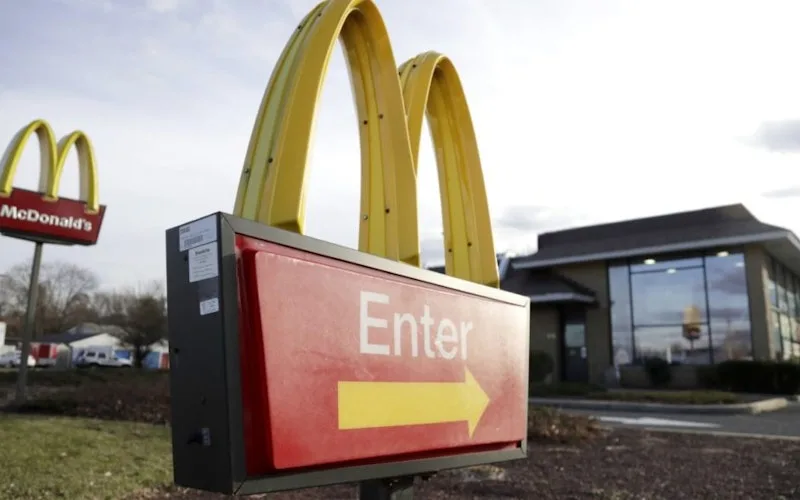
One operator runs maintenance across every restaurant he owns from a phone.
McDonald's
Read the story →
Traced a recurring building problem to its root cause instead of repairing it again.
FMLY
Read the story →
Improved communication between a maintenance team and the people relying on it.
Union Rescue Mission
Read the story →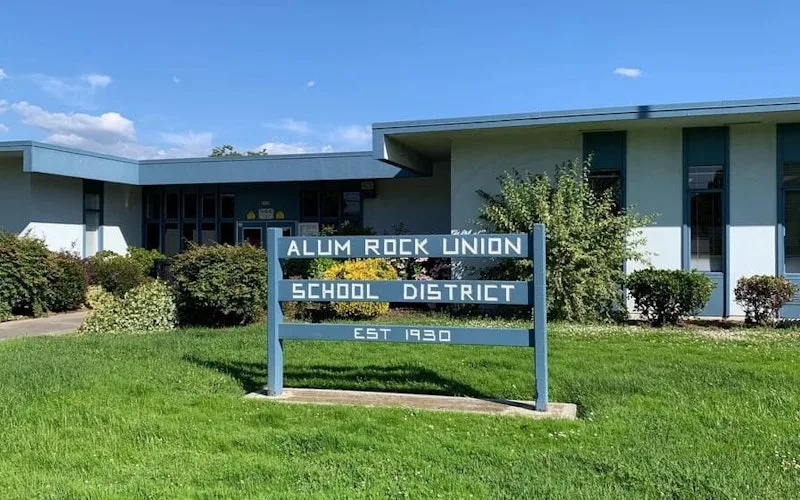
Kept track of work orders arriving from schools across the district.
Alum Rock Union School District
Read the story →Frequently asked questions
What is work order software?
Work order software digitizes the full repair-and-maintenance loop: someone reports a problem, the request becomes a work order, the right technician gets assigned, the work gets done and documented, and the history attaches to the asset. It replaces the clipboards, radio calls, and spreadsheet trackers where jobs get lost.
What's the difference between a work order and a work request?
A work request is the raw report, an operator notices a leaking valve and submits it. A work order is the approved, scheduled job that follows: assigned technician, priority, parts, and due date. In UpKeep, requests convert to work orders in one tap, and the requester automatically gets status updates without having to chase anyone down.
Is UpKeep good work order software for a small business?
Yes, small teams are where UpKeep started. Plans begin at $24 per user per month, requester seats are free and unlimited, and single-site teams typically go live in under 30 days without an IT project. You get the same mobile app and AI features as enterprise customers, and the platform scales if you grow into multiple sites.
Do requesters need a paid license to submit work orders?
No. Requester seats are free and unlimited on every plan. Machine operators, front-desk staff, drivers, anyone can submit a request from their phone or a QR code and track its status. You only pay for the technicians and managers who work the orders.
Can technicians use the mobile app offline?
Offline mode is built in. Technicians can open work orders, complete checklists, log time, and attach photos with no signal, in basements, walk-in freezers, or remote sites, and everything syncs automatically when connectivity returns.
Can work orders be created automatically?
Several ways. Preventive maintenance schedules generate work orders by calendar date or meter reading. Edge IoT sensors open work orders when a vibration or temperature reading drifts out of range, with the data attached. And Nova AI can draft work orders from rough notes or a voice description.
How long does implementation take?
Most teams go live in 2 to 6 weeks. Single-site operations typically launch in under 30 days; multi-site enterprises with integrations take 60 to 90 days. UpKeep's customer success team handles data import, workflow configuration, and technician training throughout.
Does UpKeep integrate with our existing systems?
UpKeep connects to 1,000+ systems through native integrations, Zapier, and a public API. Common connections include ERPs (SAP, Oracle, NetSuite), IoT sensors, GPS and telematics, and identity providers for single sign-on.
FREE RESOURCES
Go deeper on maintenance
Practical guides and research from the UpKeep team. No cost, no sales call required.
 Guide
GuideThe Reliability Playbook: Capturing 20 Years of Know-How Before It Walks Out the Door
A fully staffed plant still loses hours to failures a retired technician would have caught in minutes. This playbook reframes the problem: knowledge is disappearing because no system was built to capture it. It lays out a three-part framework for closing that gap and shows what changed at one plant that stopped hiring its way out and instead started capturing what its people already knew.
Get the guide Report
The 2026 State of Maintenance Report
This year's report reflects a fundamental shift in how maintenance creates competitive advantage. While 90% of teams recognize what drives reliability, only 25% can consistently execute it. The gap between knowing and doing has become the defining challenge and opportunity of 2026.
Get the report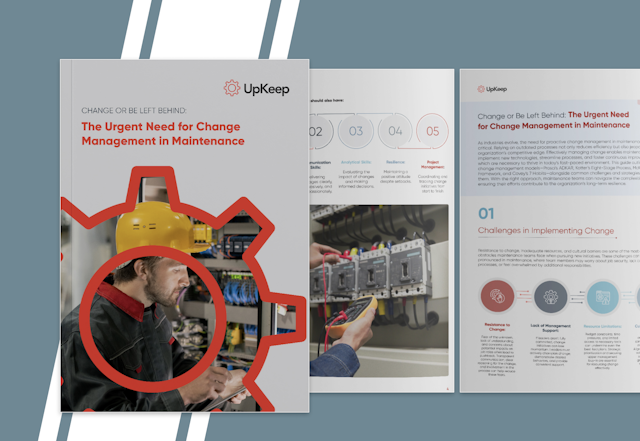 Guide
GuideChange or Be Left Behind: The Urgent Need for Change Management in Maintenance
Effectively managing change enables maintenance teams to implement new technologies, streamline processes, and foster continuous improvement, all of which are necessary to thrive in today’s fast-paced environment. This guide outlines essential change management models
Get the guide
4,000+ COMPANIES RELY ON UPKEEP
Never Lose Another Work Order
Every request tracked, every job documented, every technician working from the same playbook. See what your work order backlog looks like when nothing slips.