
UPKEEP NOVA
AI that acts, and apps that fit how you work
Nova answers questions, runs scheduled tasks, and passes data between apps on your behalf. Install what you need from the marketplace, or describe an app and Nova builds it on your own data.





WHY UPKEEP NOVA
The First Maintenance AI That Actually Does the Work
Most AI assistants wait for you to ask. Nova works in the background, reviewing data, catching issues, and flagging what needs attention.
Nova Apps Marketplace
Install a pre-built app in one click and it works against your UpKeep data straight away, with no syncing and no middleware in between. If an app is close but not quite right, clone it and edit it yourself. That covers most of the last-mile work people used to raise a ticket for. And if nothing fits, build your own from scratch.
Browse the 22 apps →
Knowledge Base That Learns
Nova learns your team's preferences and rules as you chat: who handles what, naming conventions, approval steps. Then it applies them every time. The more you use it, the more tailored it gets to how your operation runs.
Forward Emails, Get Work Done
Forward invoices, purchase orders, and vendor quotes to Nova and it summarizes them, logs them, or turns them into work orders automatically. No copy-pasting, no manual entry.
Hands-Free in the Field
For technicians, Nova lives in your pocket. Create work orders, check inventory, look up asset history, and close out jobs just by talking. No more tapping through screens.
NOVA APPS
Build the apps your team needs
Tell Nova what you need and it builds the app for you, on your own data and permissions. Or browse the 22 apps already built and start using one today.
Describe it, Nova builds it
Tell Nova what you need in plain words, and it builds the app for you.
Custom-built with our team
Need something more involved? Our team will build it with you, integrations and all.
Prebuilt apps
Dozens of apps for maintenance, safety, and operations teams. Install one in a click and start using it.
MEETING CAPTURE
AI drafts that wait for a person
Record the safety talk, the planning discussion, or the walkdown of a line. Nova pulls the action items out of it and puts them in a review queue. Nothing reaches UpKeep until a reviewer approves it, no work order, no safety record, and no assignment appears because a model thought it heard one.
- Capture what was said. Safety talks, planning meetings, and equipment walkdowns, recorded from a phone in the room.
- Action items, extracted. Who agreed to do what, drawn out of the discussion instead of typed up from memory that evening.
- A person approves, then it lands. Approve, edit, or dismiss each draft. Approved items become work orders and safety records; dismissed ones stay in the log as considered and rejected.

USE CASES
The Work That Used to Eat Your Day

Automated Data Audits
Nova runs scheduled checks on your parts, assets, and work orders, flagging inconsistencies and data-quality issues automatically. Review on-hold WOs daily, catch parts issues every morning, and audit asset naming weekly.

Instant Admin Work
Nova turns messy technician notes into structured work orders. It pulls parts lists from PDFs, writes closeout documentation, and builds PM checklists, without you typing a thing.

Bulk Fixes
Relabel parts, standardize names, close out stale work orders, and update fields across your system, all in one conversation with Nova. Fix hundreds of records without a spreadsheet.

Hands-Free Field Work
On mobile, technicians get the same tools hands-free. Check inventory, pull up asset history, create work orders, and close out jobs without touching the screen.
WHAT CUSTOMERS ARE SAYING
Hours Back, Every Week
Maintenance teams are using Nova to eliminate busywork and focus on what matters.

"Nova turned tasks I had shelved for months into instant wins... It's completely changed how I work. It's like having 10 assistants, minus the overhead."
FROM IN-APP FEEDBACK
What people say right after Nova runs a task
These come from the feedback prompt inside UpKeep, seconds after Nova finished the job.
-
Continually impressed with how much help Nova is and can be.
-
Nova is a great feature for expediting PMs and work orders. Kudos to the UpKeep team.
-
This was much faster than searching through work orders on our old system. I gave very general instructions and it pulled everything available.
-
Reassigning used to take so much time with exporting and the changes and importing again. This was so easy and clean.
-
Now all I have to do is verify the result. Awesome time saver.
-
Great tool for maintaining service on fleet vehicles.
-
Did a great job recommending checklists and PMs from the manual.
-
Worked perfectly. Was able to have a smooth conversation and get Nova to create my checklists, no issue.
-
So easy to use. Hours of work done in seconds.
-
This is amazing for adding new parts that fit multiple machines.
-
Loving Nova so far. Huge help in getting through things.
-
Much more efficient to batch update rather than opening each work order.
-
Simplifies creating new checklists. Very helpful when you need a similar checklist for multiple machines.
-
Nova is turning into an essential member of my team.
-
This is way faster and less labor intensive than manually inputting each task.
-
Great resource for getting actions done quickly and with fewer mistakes. Took care of a problem in seconds, not hours.
Verbatim in-app feedback, edited only for typos. Names withheld.
NOVA FOR EVERY ROLE
From the Back Office to the Field
Whether you're managing data quality from a desk or fixing equipment with dirty hands, Nova meets you where you work.
For Maintenance Managers & Admins
Stop Doing the Work. Start Reviewing the Work.
- Wake up to a prioritized inbox of insights
- Clean up messy data in minutes with bulk actions
- Define your standards once and Nova enforces them
For Technicians
No More Tapping Through Screens.
- Ask questions hands-free while you work
- Document repairs by voice and Nova writes the notes
- Close out work orders with one command
For Ops Leaders
AI That Delivers ROI, Not Just Features.
- Automated data quality without adding headcount
- Proactive insights surface problems early
- Better data in, better decisions out
CUSTOMER STORIES
Teams running maintenance on UpKeep
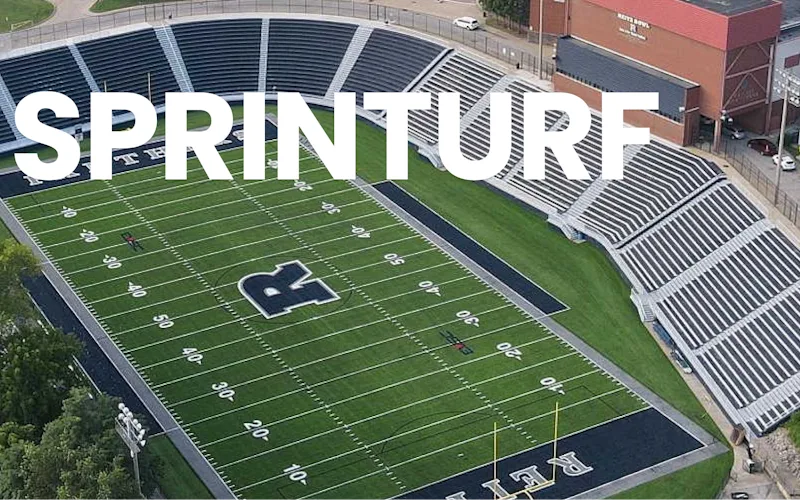
Replaced paper tracking and manual data entry across the plant using Nova.
Sprinturf
Read the story →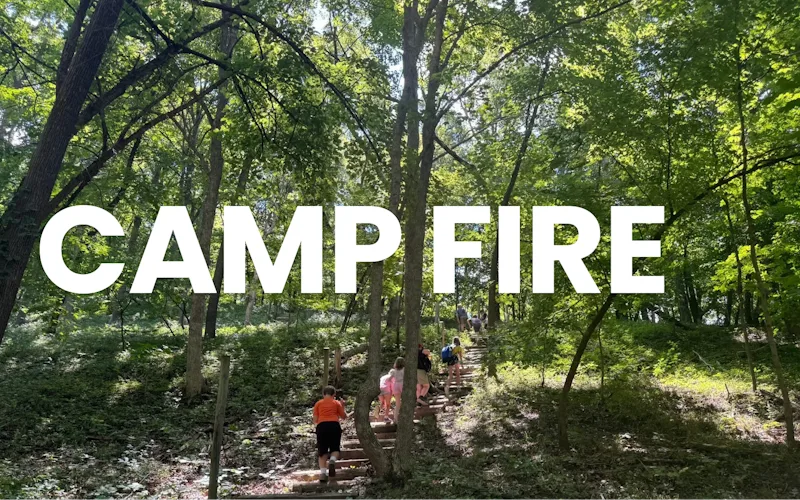
Went from sticky notes to decisions made on maintenance data.
Camp Fire Heart of Iowa
Read the story →
Traced a recurring building problem to its root cause instead of repairing it again.
FMLY
Read the story →
Built a safety-focused culture on the same platform running cleanroom maintenance.
Innovative Micro Technology
Read the story →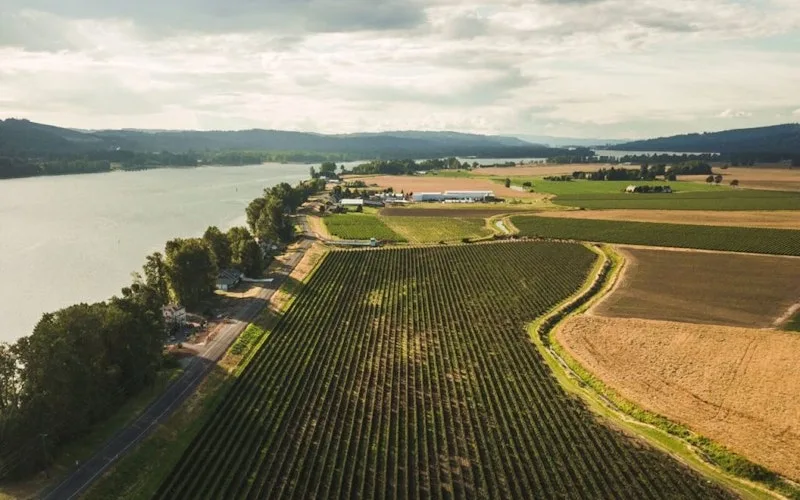
Organized technician workload and built a preventive schedule around cold storage equipment.
Columbia Fruit
Read the story →
Keeps kitchen equipment running across a footprint measured in thousands of sites.
Chick-fil-A
Read the story →
One operator runs maintenance across every restaurant he owns from a phone.
McDonald's
Read the story →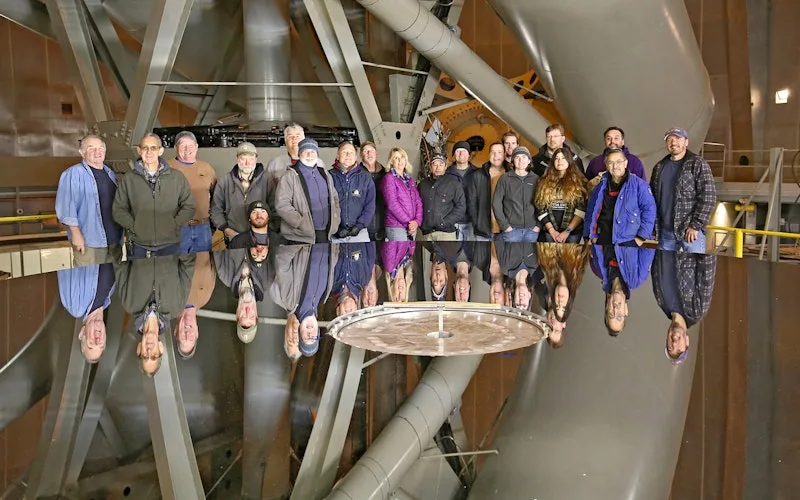
Moved campus crews off paper and onto digital preventive maintenance and work orders.
Caltech
Read the story →NOVA PRICING
Choose Your Plan
Every UpKeep plan includes monthly Nova credits, and the allowance scales with your tier.
NOVA
Included with every UpKeep plan
Monthly Nova credits scale by tier
- ✓ Nova AI chat assistant
- ✓ Pulse: scheduled recurring tasks
- ✓ Knowledge Base: learns your team's rules
- ✓ Voice-first mobile access for technicians
- ✓ Email forwarding to Nova
- ✓ Automated data audits and bulk fixes
- ✓ AI-generated work orders and PM checklists
- ✓ Enterprise-grade security and permissions
Frequently asked questions
Will Nova replace our maintenance technicians?
Not at all. Nova is designed to support your team, not replace them. It eliminates repetitive admin work so technicians can focus on what they do best: maintaining equipment, preventing downtime, and solving real problems.
How is Nova different from other AI chatbots?
Most AI assistants wait for you to ask a question. Nova works in the background. With Pulse it runs scheduled tasks, reviews your data, and surfaces what needs attention. You set it up once, and Nova handles the routine work automatically. The chat is still there when you need it, but the real power is in what Nova does without being asked.
What if Nova makes a mistake?
You're always in control. Nova brings insights and recommendations to your Pulse feed, but you decide what to act on. Nothing happens automatically without your approval. Think of Nova as doing the prep work. You make the final call.
How secure is our data?
Nova runs on enterprise-grade infrastructure with encrypted storage, strict access controls, and audit logs. It respects the same permissions as your CMMS, so technicians only see and do what their role allows.
What is Pulse?
Pulse lets Nova run a task for you automatically, on a schedule. Set it up once with a prompt, choose which days to run it, and Nova delivers results on whatever days you choose. Results appear as a running feed you can review anytime. Each user has one Pulse, and you can pause or resume it at any time.
What are Knowledge files?
Knowledge files are created when Nova learns about your organization's processes, preferences, and guidelines through conversations. Over time, Nova builds up context about how your team works, so its responses and Pulse results get more relevant without you having to repeat yourself.
Can Nova build custom apps for us?
Yes. Describe what you need in plain language, the way you would explain it to a new hire, and Nova builds the app: the screens, the logic, and the connection to your existing data and permissions. These are Nova Apps, and they run on your real records rather than a copy, so an asset in a custom app is the same asset as everywhere else in UpKeep. Teams use them for things too specific to ship as a standard feature, like an inspection form matching one line of equipment, a shift handover that follows their own process, or a dashboard pulling across several applications. You review the result and adjust before anyone else sees it. No code required, and Nova Apps run on credits.
Can technicians use Nova on mobile?
Yes, and it's built for hands-free use. Technicians can talk to Nova to create work orders, check inventory, look up asset history, and close out jobs. No typing required.
How long does setup take?
Nova is already in your UpKeep account. Just go to the Pulse tab and describe what you want, and Nova writes the prompt for you. Pick your schedule and you're done. For help configuring Nova for your specific workflows, book a consultation.
FREE RESOURCES
Go deeper on maintenance
Practical guides and research from the UpKeep team. No cost, no sales call required.
 Guide
GuideThe Reliability Playbook: Capturing 20 Years of Know-How Before It Walks Out the Door
A fully staffed plant still loses hours to failures a retired technician would have caught in minutes. This playbook reframes the problem: knowledge is disappearing because no system was built to capture it. It lays out a three-part framework for closing that gap and shows what changed at one plant that stopped hiring its way out and instead started capturing what its people already knew.
Get the guide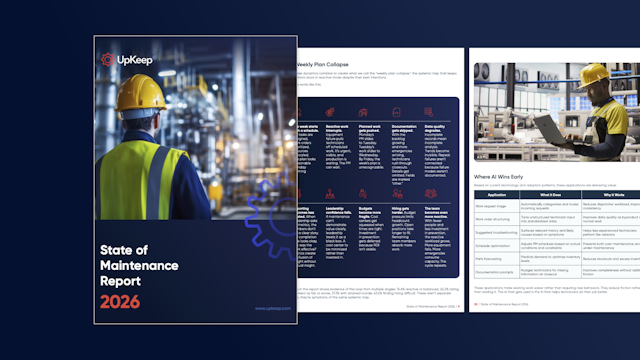 Report
The 2026 State of Maintenance Report
This year's report reflects a fundamental shift in how maintenance creates competitive advantage. While 90% of teams recognize what drives reliability, only 25% can consistently execute it. The gap between knowing and doing has become the defining challenge and opportunity of 2026.
Get the report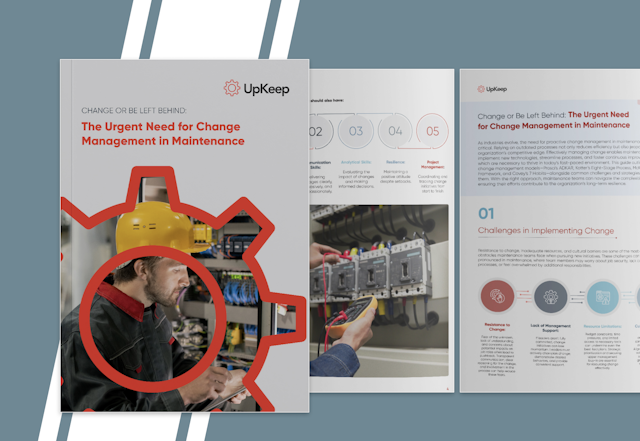 Guide
GuideChange or Be Left Behind: The Urgent Need for Change Management in Maintenance
Effectively managing change enables maintenance teams to implement new technologies, streamline processes, and foster continuous improvement, all of which are necessary to thrive in today’s fast-paced environment. This guide outlines essential change management models
Get the guide
READY TO SEE NOVA IN ACTION?
Let Nova Handle the Busywork
Book a free consultation to see how Nova can reduce admin work, improve data quality, and give your team back hours every week.