
ANALYTICS & REPORTING
Stop Rebuilding the Same Report Every Month
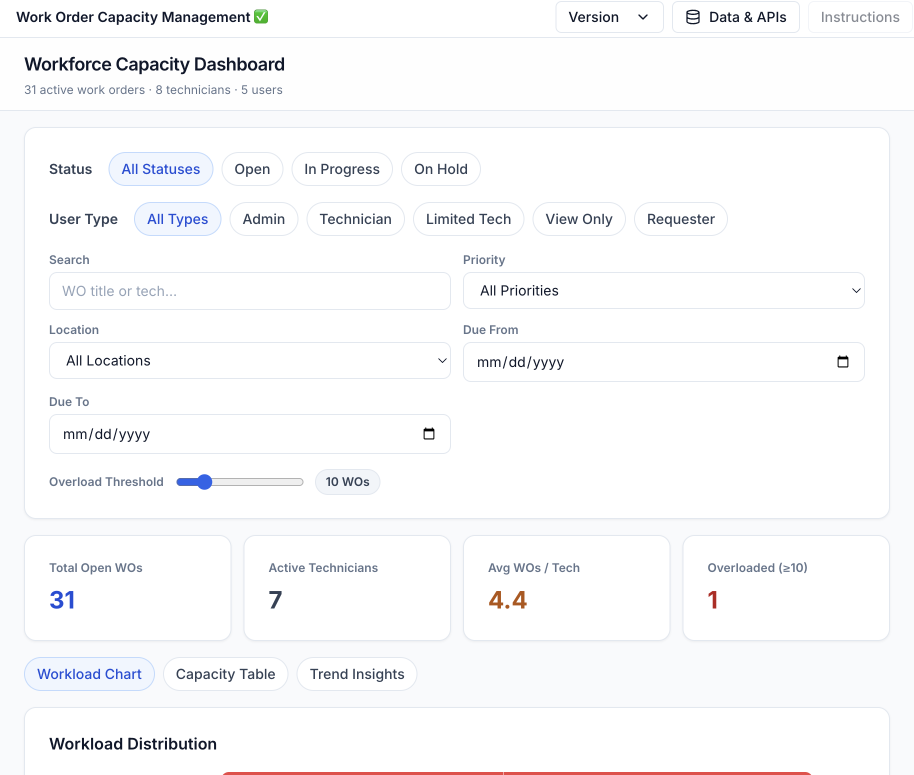
UpKeep turns work order history into live dashboards: downtime by asset, PM compliance by site, labor and parts costs over time. Build the view once, schedule the delivery, and get your reporting day back.





WHY UPKEEP ANALYTICS
Reporting That Runs Itself
Build the Dashboard Once, Then Stop Rebuilding It
Drag the metrics you report on into a custom dashboard and pull live data from work orders, assets, sensors, and costs. When leadership asks for the numbers, you share a view instead of opening a spreadsheet.
Patterns Surface Before They Become Problems
UpKeep Intelligence scans your maintenance history for cost trends, failure frequencies, and performance shifts, then flags them while there is still time to act.
Monday's Report Sends Itself
Generate a polished, presentation-ready PDF from any dashboard, or schedule it to land in stakeholder inboxes every week or month. No assembling, no chasing.
Compare Site Five Against Site One
Benchmark KPIs across facilities, teams, and asset classes. When one location runs leaner, you can see exactly what it does differently and replicate it.
CAPABILITIES
What's in the Reporting Toolkit
Custom Dashboards
Drag the metrics you actually get asked about into a dashboard: charts, tables, and KPI cards arranged per role. Build it once and it stays live.
KPI Tracking
MTTR, MTBF, PM compliance, and wrench time tracked in real time, with threshold alerts when a number drifts somewhere it shouldn't.
Scheduled Reports
Pick a dashboard, a cadence, and the recipients. Polished PDF reports land in inboxes weekly or monthly without anyone assembling them.
Cost Analysis
Break maintenance spend down by asset, location, team, or category. The budget conversation starts from the same numbers finance sees.
Technician Performance
Completion rates, response times, and wrench time by technician. See who's overloaded, who's available, and where coaching pays off.
Asset Reliability Metrics
MTBF, failure rates, and degradation trends per asset, so repair-or-replace decisions ride on history instead of gut feel.
A QUICK TEST
Questions Your CMMS Should Be Able to Answer
If pulling any of these takes longer than a minute, the data exists but the visibility doesn't.
With Nova, you can ask every one of these in plain English and get the answer back in chat.
FROM THE FIELD
Teams That Stopped Guessing
Customer story · ALCO Harvesting
ALCO Harvesting's team uses UpKeep to manage equipment, surface the data behind every repair, and standardize maintenance across the operation. The payoff: clearer operational visibility, and time and costs saved on decisions that used to run on hunches.
Read their story →
"The work order analytics alone provided incredible value, showing us exactly where we could improve efficiency and reduce costs."
ANALYTICS FOR EVERY ROLE
One Dataset, Three Dashboards
A maintenance manager wants this morning's backlog. An ops leader wants to compare sites. A CFO wants the spend trend. Same data, three different views, nobody waiting on a data pull.
For Maintenance Managers
Live dashboards for work order throughput, PM compliance, and technician workload. Bottlenecks show up on the screen before they show up in the backlog.
Maintenance teams →For Operations Leaders
Cross-facility benchmarking, cost rollups, and reliability metrics in one view. Compare sites on the same yardstick and move the best practices around the portfolio.
Operations teams →For Executives
Spend trends, budget variance, and uptime in a monthly report that arrives on its own. No analyst hours spent assembling slides the night before the review.
Operations teams →CUSTOMER STORIES
Teams making decisions on their own data

Traced a recurring building problem to its root cause instead of repairing it again.
FMLY
Read the story →
Brought overtime under control by seeing where labor was actually going.
Retail shopping center
Read the story →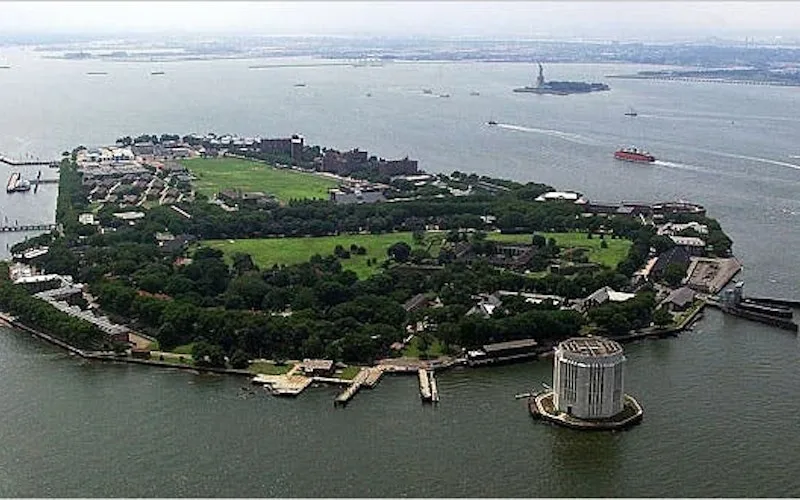
Gained visibility into where the team’s time and vehicle costs were going.
Governors Island
Read the story →
Went from sticky notes to decisions made on maintenance data.
Camp Fire Heart of Iowa
Read the story →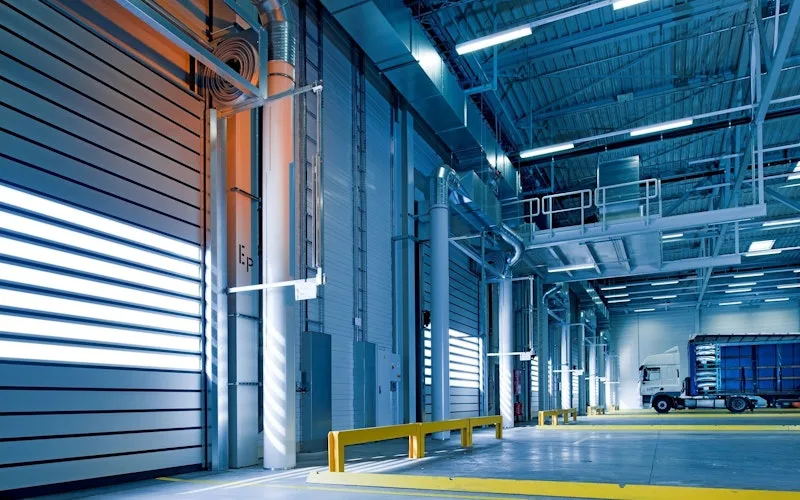
Moved from 60% reactive work to 20% by putting every asset on a recurring PM schedule.
Industrial manufacturer
Read the story →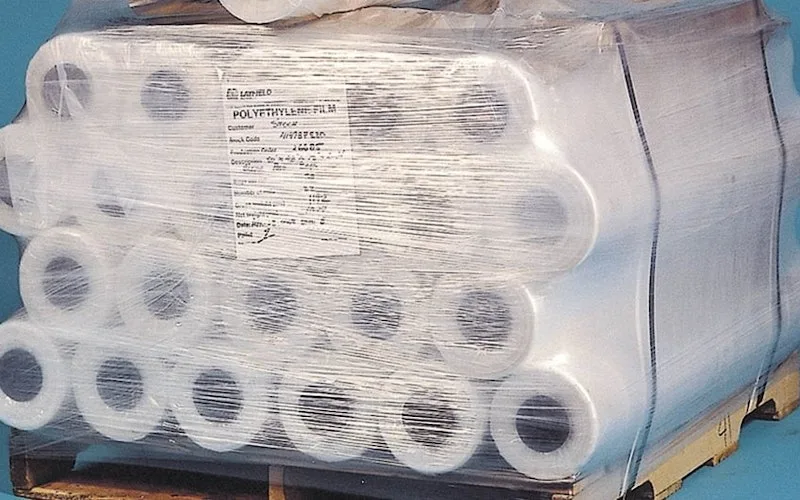
Shifted work from reactive to preventive and brought maintenance costs down with it.
Layfield Group
Read the story →
Built a safety-focused culture on the same platform running cleanroom maintenance.
Innovative Micro Technology
Read the story →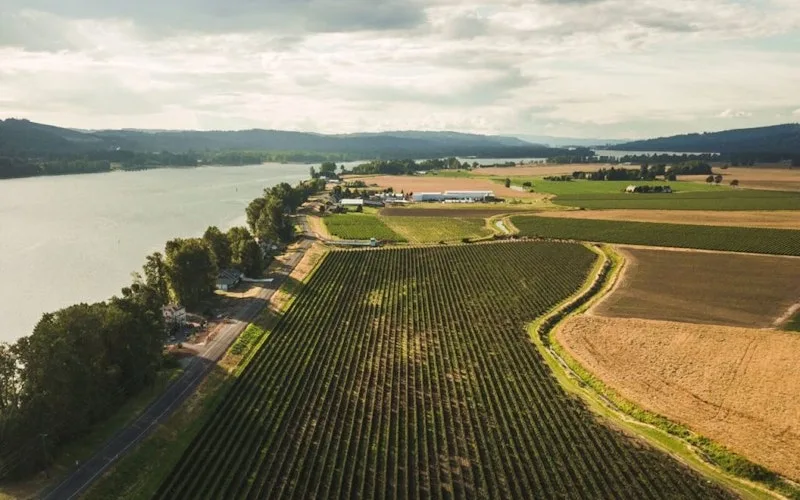
Organized technician workload and built a preventive schedule around cold storage equipment.
Columbia Fruit
Read the story →Frequently asked questions
Maintenance reporting, answered
What maintenance reports are included in UpKeep?
The core reports cover downtime by asset and location, preventive maintenance compliance, labor and parts costs, repair-time and time-between-failure metrics like MTTR and MTBF, and technician performance. Any report can be filtered by site, team, asset category, or date range.
Can I build custom dashboards for different roles?
Yes. Dashboards are drag-and-drop: combine charts, tables, and KPI cards into views tailored to each audience, from a maintenance manager's daily queue to an executive cost summary. Each dashboard pulls live data, so it never goes stale between meetings.
Can reports be scheduled and sent automatically?
Any dashboard or data view can be generated as a polished PDF and delivered by email on a recurring schedule. Most teams set up a weekly operations summary and a monthly rollup for leadership, then stop building reports by hand entirely.
Can I export maintenance data for finance or compliance?
Yes. Reports export as presentation-ready PDFs, and every work order carries a complete audit trail of who did what and when. When finance wants cost backup or an auditor wants PM documentation, the records already exist.
How does Nova AI fit into analytics?
Two ways. In chat, you can ask Nova questions about your maintenance data in plain English instead of building a report. And with Pulse, Nova runs a scheduled task you define, reviewing your data on the days you choose and surfacing what needs attention in a running feed you can check anytime.
Does UpKeep support multi-site rollup reporting?
Yes. Cross-location reporting lets you compare KPIs across facilities, teams, and asset classes in one view, roll costs up across the portfolio, and see which sites are outperforming so their practices can spread.
Which maintenance KPIs can I track?
MTTR, MTBF, PM compliance, wrench time, work order throughput, and dozens of other maintenance KPIs update in real time, with automated alerts when a metric crosses a threshold you set.
FREE RESOURCES
Go deeper on maintenance
Practical guides and research from the UpKeep team. No cost, no sales call required.
 Guide
GuideThe Reliability Playbook: Capturing 20 Years of Know-How Before It Walks Out the Door
A fully staffed plant still loses hours to failures a retired technician would have caught in minutes. This playbook reframes the problem: knowledge is disappearing because no system was built to capture it. It lays out a three-part framework for closing that gap and shows what changed at one plant that stopped hiring its way out and instead started capturing what its people already knew.
Get the guide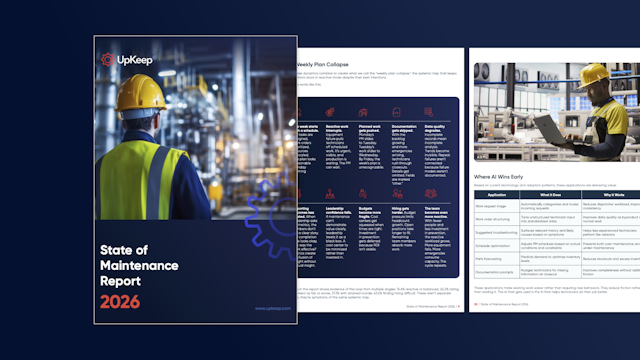 Report
The 2026 State of Maintenance Report
This year's report reflects a fundamental shift in how maintenance creates competitive advantage. While 90% of teams recognize what drives reliability, only 25% can consistently execute it. The gap between knowing and doing has become the defining challenge and opportunity of 2026.
Get the report Guide
GuideChange or Be Left Behind: The Urgent Need for Change Management in Maintenance
Effectively managing change enables maintenance teams to implement new technologies, streamline processes, and foster continuous improvement, all of which are necessary to thrive in today’s fast-paced environment. This guide outlines essential change management models
Get the guide
4,000+ COMPANIES RELY ON UPKEEP
Bring a Question Your Spreadsheet Can't Answer
What did downtime cost last month? Which asset eats the budget? Is PM compliance holding? Pick the one you can't answer today, and we'll pull it up live in the demo.