Blog Post
March 27th, 2019 iOS Release 3.41: Single Sign On and Required Fields for Data Integrity



We've got some awesome new updates in our newest iOS release 3.41.
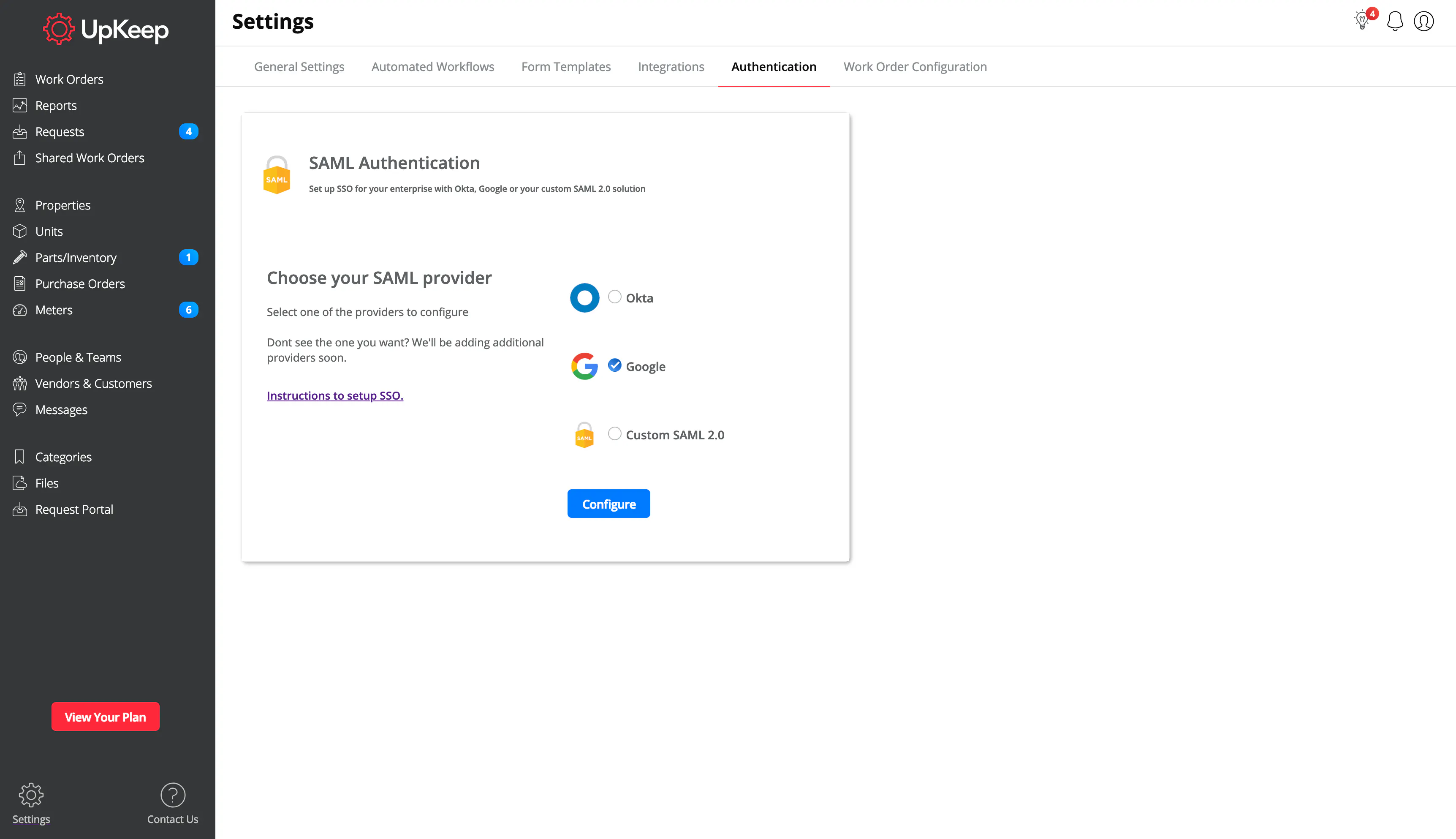
First up... Get ready for Single Sign On for iOS! For all of the UpKeep customers who were looking for single sign on so you can login through mobile, you finally can now! If you're just looking to get started with Single Sign On, check out our help docs here!
To get started, head over to your settings tab on and click on "Authentication". Once you've gone through all of the steps to set up your SSO provider, you'll then be able to login to UpKeep on your mobile devices.


Also included in today’s iOS release is the ability to enforce required fields for internal requests. When required fields are set from the web application, these fields will now be enforceable for every end user, including mobile and web! Not only can Android users select which fields appear or are hidden on their request forms, but now can enforce data integrity with making any of the selected fields required. Check it out for yourself!
4,000+ COMPANIES RELY ON ASSET OPERATIONS MANAGEMENT
Leading the Way to a Better Future for Maintenance and Reliability
Your asset and equipment data doesn't belong in a silo. UpKeep makes it simple to see where everything stands, all in one place. That means less guesswork and more time to focus on what matters.






![[Review Badge] Gartner Peer Insights (Dark)](https://www.datocms-assets.com/38028/1673900494-gartner-logo-dark.png?auto=compress&fm=webp&w=336)



